Jamb Reprint: How to Print Your Jamb Exam Slip
First, I want you to know that Your JAMB exam slip is different from your initial registration slip. Your examination slip is the document that confirms where and when you will sit for the exam. That is your exact exam date, venue, time, and other instructions you’d be needing for the UTME examination
We are WWWASSIST. We bring all your All Educational search to you. Making information easy to read, understand and use.
What is Jamb Reprint
JAMB reprint is the process of downloading or printing your UTME examination notification slip, which reveals your exact exam date, time, and venue (center). It is a mandatory step taken about 1–2 weeks before the exam, as the initial registration slip does not contain your specific scheduling details.
Differences between Examination slip and Jamb Registration Slip
- Registration Slip: Printed after registration; shows personal details.
- Examination Slip (Reprint): Printed near the exam date; shows venue, date and time of examination.
What You Need for Your Jamb Printout:
- First and key is your JAMB registration number, email address or the phone number you used during registration.
- A phone or computer with internet access
- Access to a printer or a nearby business centre
Also Read: JAMB Admission Cut Off Mark for All Schools in Nigeria
Procedures to Print Your Jamb Exam Slip
Method 1:
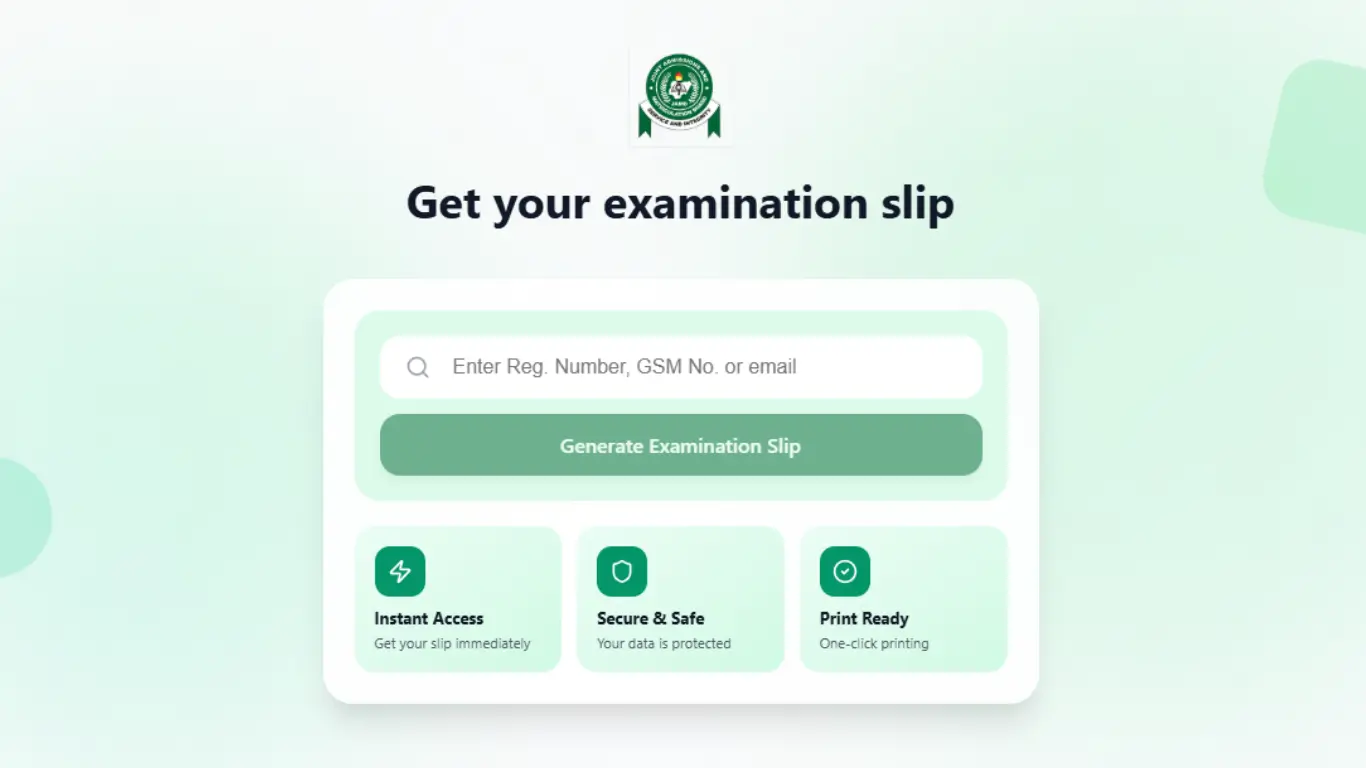
Step 1: Open the Official JAMB Printing Portal
Click on the link: https://slipsprinting.jamb.gov.ng/. You will be redirected to the Official JAMB Printing page
Step 2: Enter Your Registration Details
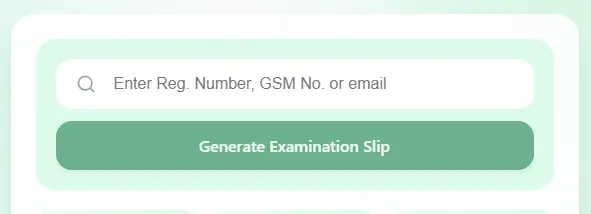
- On the page, Provide your JAMB registration number, email address, or phone number used during registration
- Review the displayed candidate details carefully then
- Click on “Generate Examination Slip” and your Exam slip will display
Step 3: Print and Save Copies
- Print at least two clear copies of your examination slip.
- Save a PDF copy to your phone/email in case you need another printout.
Method 2:
- Login to your personal JAMB portal at this link; https://efacility.jamb.gov.ng/
- Enter your email address and password to login
- Click on “Print UTME main examination slip” on your dashboard and you should be good to go.
Check These Things as Soon as You Print Your Slip
Do not just print and put it away. Check every detail immediately.
- Your full name. It must match with the name on your NIN (same arrangement).
- Your registration number. You will need this when checking your result after the exam.
- Your photograph. As it was taken when you did your biometric registration at the CBT centre.
- Your four subjects. Make sure these are the ones you selected during your registration.
- Your exam date and time. This will help you Know when you are expected to arrive.
- Your exam centre name and full address. i advice you to find the location before your exam day, not on the day itself (if possible).
Final thoughts
Do well to prepare ahead and stay close to their examination venue. If possible, pay a prior visit to your centre before the date of the examination.
Also, do not take prohibited items such as wristwatches, mobile phones, electronic devices, pens, keyholders, ATM cards, erasers, or jewellery to the exam centre.
I wish you the Success with your Examination