How to Create an Account on NYSC Portal
Easy Guide: How to Create an Account on NYSC Portal Successfully
Many PCM make mistakes during registration because they rush the process or use the wrong details. However, once you follow the right steps carefully, creating your NYSC account becomes very easy.
We are WWWASSIST. We bring all your All Educational search to you. Making information easy to read, understand and use.
According to the official NYSC requirement, all prospective corps members must create an account before starting their online registration.
Your NYSC portal account is very important because it gives you access to NYSC registration, mobilisation updates, call-up letter printing, and other services.
Requirements to Create an Account on NYSC Portal
Before you begin, make sure you have:
- A working email address
- Active phone number
- Your JAMB registration number; close-by
- Stable internet connection
Note: Your email address must be active because NYSC sends updates and login information there.
Read also: How to Make Payments on NYSC Portal Using Remita Easily
Step-by-Step Guide to Create an Account on NYSC Portal
Follow these simple steps carefully.
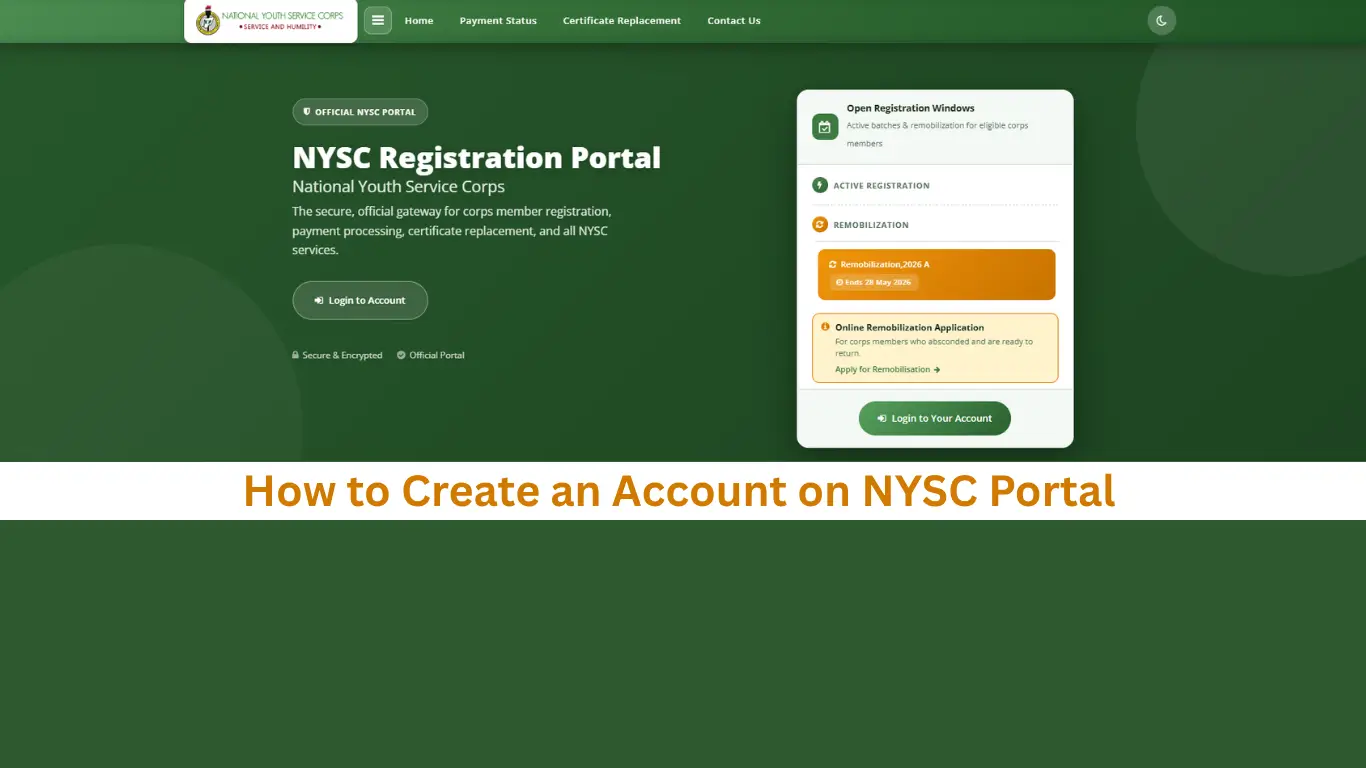
Step 1: Visit the Official NYSC Portal
First, open your browser and visit the official NYSC portal: NYSC Portal
Once the homepage opens, click on “Mobilization Batch Registration”.
Step 2: Click on “Fresh Registration”
Next, click on “Fresh Registration” if this is your first NYSC registration.
However, if you already created an account before, do not open another one. Instead, log in with your existing email and password.
Step 3: Enter Your Email and Phone Number
Now, provide your:
- Email address
- Phone number
Make sure the details are correct before moving to the next page.
Also, avoid using another person’s email because it may create problems later.
Step 4: Create a Strong Password
Choose a password you can remember easily.
For better security, combine:
- Letters
- Numbers
- Special characters
Then confirm the password correctly.
Step 5: Click on Proceed
After entering your details, click the “Proceed” button.
The portal will automatically create your NYSC account.
Step 6: Verify Your Email Address
NYSC will send a verification link to your email.
Open your inbox and click the link to activate your account.
If the message does not appear in your inbox, check your spam folder.
Step 7: Log In to Your Dashboard
Once your account becomes active, return to the portal and log in using:
- Your email address
- Your password
You can now continue your NYSC registration successfully.
Also Read: Ultimate NYSC Registration Procedure for Batch B
Common Problems During NYSC Account Registration
Sometimes candidates experience small issues while registering. Below are common problems and simple solutions.
1. Email Already Exists
This means you have already created an account before.
Instead of registering again, simply use the login option.
2. Verification Email Not Received
First, check your spam or junk folder.
If you still cannot find it, resend the verification email.
3. NYSC Portal Not Loading
During registration periods, many people use the portal at the same time. As a result, the website may become slow.
Wait for some time and try again later.
4. Wrong Details
Wrong names, email addresses, or JAMB details can delay your registration.
Therefore, check everything carefully before submission.
Important Tips Before Creating Your NYSC Account
To avoid mistakes later, keep these tips in mind:
- Use your personal email address
- Ensure your names match your school records
- Use correct JAMB information
- Keep your password safe
- Use a stable internet connection
- Review all details before submission
Additionally, many experts recommend using a laptop because some registration features work better on desktop browsers.
Conclusion
Now that your account is ready, you can continue your NYSC registration, print documents, and access important updates easily.
Make sure you enter your details carefully, use the correct information, and yes, do well to register through the official NYSC portal only.