How To Check Your Nabteb Result
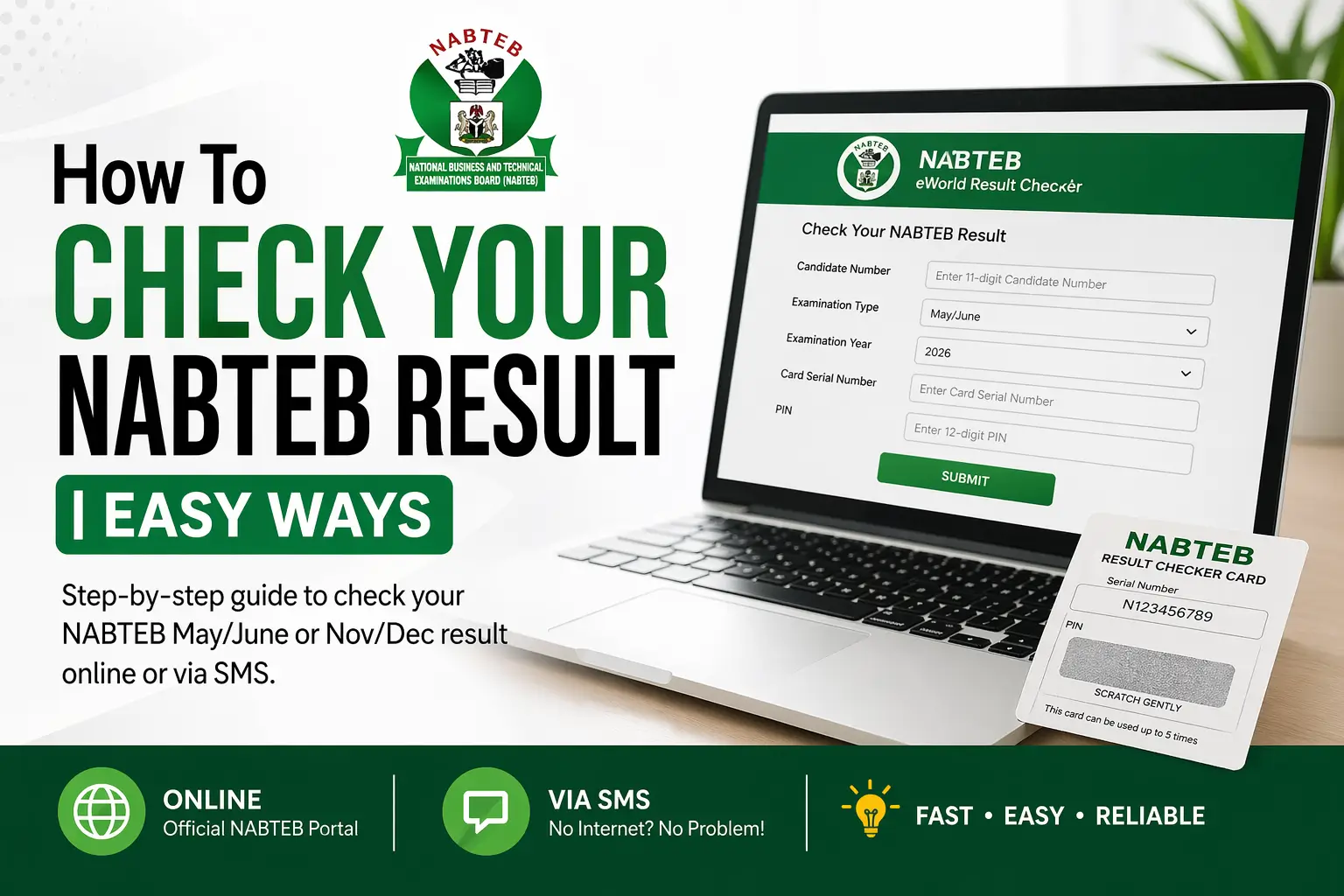
Are you a secondary student, NABTEB candidate, Interested in knowing how to how to check your nabteb result? or a parent, guardian, or institution, wanting to check the result of your ward or student; You are at the right place.
We are WWWASSIST. We bring all your All Educational search to you. Making information easy to read, understand and use.
In this guide, you will learn how to check May/June or Nov/Dec, Nabteb results through eworld.nabteb.gov.ng
What Is NABTEB Result Checker?
The NABTEB result checker is the official system that allows candidates to view their exam results online or via SMS.
What you need to Check NABTEB Results
- Your 11-digit examination number (from your NABTEB registration slip or statement of result. e.g., 38001178AB).
- Know your exact exam type: May/June, Nov/Dec, Modular (March/June/Dec), and the corresponding year like 2026.
- A fresh NABTEB Result Checker card (12-digit PIN. e.g., 012345678912)
- Your card Serial Number (e.g., N123456789).
- Stable internet or Phone credit for SMS,
NB.: Double-check everything to avoid “invalid entry”.
Also Read: How to Get Your Original WAEC Certificate
How to Check Your NABTEB Result
There are two easy methods to checking your Nabteb result:
- Online through the official Nabtab eWorld Portal
- SMS Shortcode
How to Check NABTEB Result Online via NabtabeWorld Portal
Open your browser and navigate to the official NABTEB eWorld Result Checker or follow the link: https://eworld.nabteb.gov.ng.
Tip: Bookmark it now for future access.
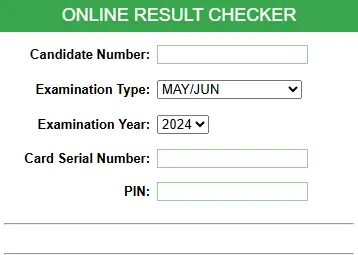
- Type in your 11-digit candidate number (no spaces or extras).
- Choose your exam type (e.g., May/Jun 2027) and year from the dropdown.
- Gently scratch the card panel to uncover PIN and serial,
- Then enter both fields correctly.
- Click on the “Submit Button”. Your complete result sheet will load instantly.
What to Do After Checking
- Save or screenshot your result
- Print a copy
- Keep your PIN safe
Tip: Check early mornings to dodge peak traffic slowdowns.
How to Check NABTEB Results Using SMS Shortcode (32327)
In case your internet lags or you dont have a phone with internet access, The SMS checker short-code is the best
- Open your phone messages
- Type:
NABTEBExamNoPINExamTypeExamYear - Send it to 32327
Also Read: WAEC Results Checker || 3 Quick ways to Check Your WAEC Result
Example:
NABTEB38001178123456789012MJ2026
You will receive your result as a text message within seconds.
SMS cost: ₦40 – ₦50
TIp: Do well to Top Up before texting
How to Interpret NABTEB Grades, Symbols and Result Codes
NABTEB grading aligns nationally:
| Grade | Score | Interpretation |
|---|---|---|
| A1 | 75-100% | Distinction/Excellent |
| B2 | 70-74% | Very Good |
| B3 | 65-69% | Good |
| C4-C6 | (60-64% to 45-49% | Credit/Pass |
| D7/E8 | 40-44%/35-39%: | Weak Pass) |
| F9 | Below 35% | Fail |
Common Problems and How to Fix Them
1. Invalid PIN
Check your PIN and enter it correctly.
2. Wrong Exam Type
Select the correct option (May/June or Nov/Dec).
3. Network Issues
Try again early in the morning or late at night.
4. Used Scratch Card
Buy a new card if you have used the old one too many times.
Also Read: EBSU Registration Procedure and Acceptance Fee Payment
FAQs
Take Home
You can check your NABTEB result online or via SMS in just a few minutes. Use the correct details, follow the steps above, and keep your result safe after checking.